How to check what your home is worth in Dubai
Knowing what your property is worth can help you make informed decisions, whether you plan to sell, refinance, or simply want to understand how its value has changed. Dubai has several online tools that make it easier to understand current property values without relying only on advertised asking prices.
It is recommended to start by reviewing recent registered sales in your building, looking at the achieved price per sq. ft. and comparing similar units. Free tools such as Dubai REST, DXB Interact and the Dubai Land Department website allow anyone to check transaction records and recent sales data. You can then compare these online estimates with a free valuation from a betterhomes property specialist.
Here is how to check your property's value using publicly available transaction records and online estimation tools.
Step 1: Check recent sales in your building
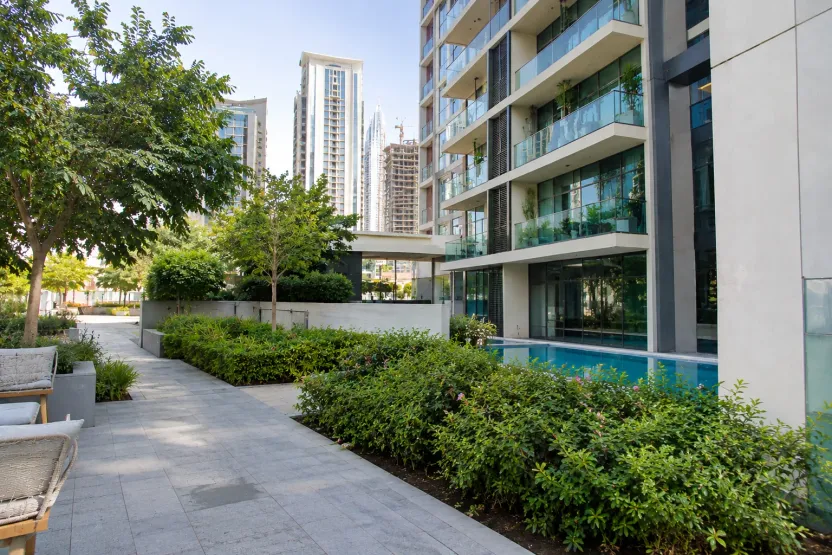
One of the most useful ways to check your property's value in Dubai is to review recent registered sales in your building. These records show what buyers have actually paid for similar properties, giving you a more reliable reference than advertised asking prices.
You can check Dubai property transaction records through three main platforms: Dubai REST, DXB Interact and the Dubai Land Department (DLD) website.
Dubai REST App
The Dubai REST app, developed by the Dubai Land Department, provides access to a range of property services and market information. Its features include a sale index, rental index and property wallet, where registered owners can view details about their properties, including current prices and rental returns.
To check transaction information:
- Download the Dubai REST app from the Apple App Store or Google Play.
- Open the app and select the individual login option available to you.
- Complete the required verification using the supported login method.
- Open the Real Estate Transactions section or the relevant sales index.
- Review the available residential sales information for the property market.
The app also shows the five latest sale transactions for residential properties in freehold areas. This can be useful for a quick view of recent market activity, although it does not replace a more detailed review of transactions within your specific building.
DXB Interact
DXB Interact is another useful platform for checking Dubai real estate transactions. It presents sales information by location, development and building, allowing users to explore historical transaction records and compare property prices.
Here is how to use it:
- Visit the DXB Interact website.
- Navigate to the Transactions section or search for your building through the available property and area search features.
- Enter your building or development name.
- Select sales transactions and review the available records.
- Open the transaction details to see historical sale information and the recorded price per square foot.
You can also explore property specifications and unit series to identify apartments with similar layouts and sizes. This makes it easier to find relevant comparisons within the same building.
Dubai Land Department website
The Dubai Land Department's Real Estate Data page is another option for checking registered property transactions directly.
Follow these steps to access the records:
- Open the DLD Real Estate Data page and select the Transactions tab.
- Enter the From Date and To Date for the period you want to check.
- Select Sales under Transaction Type.
- Choose the appropriate registration type, such as Ready, and select the relevant freehold status.
- Choose your property area, residential usage and property type.
- Click Search to view the available transaction records.
- Use Download as CSV to export and review the results.
The downloaded information includes transaction dates, amounts, property sizes, room details, and project information. You can sort the Master Project and Project columns to narrow down the relevant development.
However, the public transaction search does not provide individual unit numbers. You may need to use DXB Interact or additional property information to identify the closest matches for a particular building.
Using these three platforms together gives you a better understanding of recent property sales across Dubai.
Step 2: Compare like-for-like properties
Once you have collected some recent sales records, the next step is to compare your property with similar units. Looking at transactions from the same building is a good starting point, but not every apartment or villa has the same market value.
Even properties with identical bedroom counts and similar sizes can have different values because of their location within the building, floor, views, layout and overall condition.
Here are two important things to check when comparing properties.
Inspect the photos
When comparing similar listings, look at their photographs to understand the differences in condition and presentation.
For example, two apartments in the same building might have similar floor areas, but one could have a recently renovated kitchen, upgraded bathrooms and better-maintained interiors. Another might still have its original fittings.
Look for visible differences in maintenance, flooring, windows, kitchen finishes and bathroom conditions. This helps you understand whether the recorded sale of another apartment is a suitable comparison for your property.
Look at the layout
Floor plans can also make a difference when comparing units.
Check whether the apartments have similar room dimensions, balcony areas, storage spaces and overall layouts. Some units in the same building may have larger living areas or more practical layouts despite having the same bedroom count.
Also consider the floor and view. A high-floor apartment overlooking Dubai Marina, for example, may be valued differently from a similar-sized unit with a different view.
Try to compare properties with the closest possible characteristics, rather than relying on the number of bedrooms alone.
Step 3: Work out the price per sq. ft.
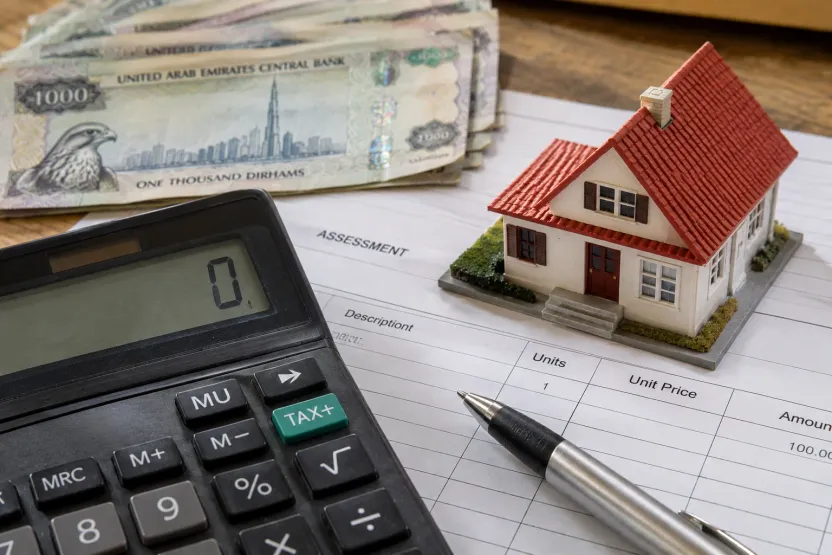
Price per square foot is one of the most useful figures when checking property values in Dubai. It helps you compare properties of different sizes and understand how much buyers have paid for each square foot.
The calculation is straightforward:
Price per sq. ft. = Total sale price ÷ Property size in sq. ft.
For example, consider a two-bedroom apartment in Bonnington Tower, Jumeirah Lake Towers (JLT).
According to recorded 2026 sales transactions, two comparable two-bedroom apartments in the building were sold at the following prices:
These transactions provide a useful reference for the price per square foot of similarly sized apartments in Bonnington Tower.
For a 1,264 sq. ft. apartment, the two recorded transactions work out to approximately AED 1,503 and AED 1,621 per sq. ft., respectively.
You can use the same calculation for your own property. However, remember to account for differences in floor, view, layout and condition when identifying comparable units.
Average property price per sq. ft. by Dubai community
Community-level price data can also help you understand how different parts of Dubai compare. The following figures provide a wider reference when checking the value of your property.
These figures are community-level benchmarks, not individual property valuations. They can include different property types and a mix of ready and off-plan transactions. For a more relevant comparison, always check the same property type and building before using a community average to understand your home's value.
Step 4: Use Online Property Value Estimation Tools
Apart from checking transaction records, you can also use online property value estimation tools to get an initial idea of what your home might be worth.
These platforms use available property information and market data to provide estimated values. They can be useful when you want a quick reference without manually checking every transaction.
Property Monitor Valu'd
Property Monitor's Valu'd tool provides instant online property estimates and estimated value ranges. Its information draws on Dubai Land Department transaction records, property listings and wider market trends.
Users can also explore recent comparable sales, local market information and transaction trends.
Understand the Limitations
Although these tools are useful, their estimates should not be treated as the exact value of your property.
Online estimates depend on the information available to the platform and the property details entered by the user. They may not fully capture differences in renovations, interior condition, floor level, views or unique layouts.
A property with limited comparable sales may also receive a broader estimate than one in a building with frequent transactions.
For a clearer understanding, compare online estimates with recent registered sales and a property-specific review from a real estate specialist.
Step 5: Get a Free Valuation From a betterhomes Specialist
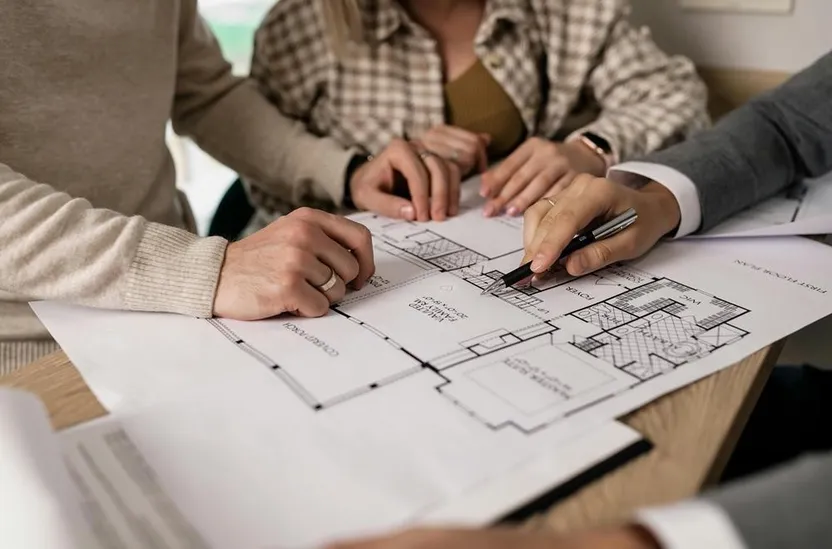
After checking transaction records, comparing similar properties and reviewing online estimates, you may have a reasonable idea of your property's current value.
However, a property-specific assessment can help you understand the finer details that online tools might overlook.
At betterhomes, our community specialists combine local market knowledge, transaction information and buyer demand to provide a clearer picture of your property's value. With over 40 years of experience in Dubai's property market, our team understands the differences between buildings, communities and individual units.
The process is straightforward. Provide your property location and basic details, and our community specialist will review the information with you. You can also arrange an optional property visit before receiving your valuation report.
You can request a free property valuation from betterhomes to get a more personalised understanding of your home's current market value.
Once you understand your property's value, you can also read our guide on how to price your property for sale.
When you need an official valuation instead
An online property estimate or agent's market assessment is not the same as an official valuation certificate issued for formal purposes. When you need an official report, read our guide to property valuation in Dubai.
Want to understand what your Dubai property is worth today? Get a free property valuation from betterhomes and receive personalised insights from a local property specialist.
Frequently Asked Questions
Is Dubai REST free to use?
+−
Yes. Dubai REST is free to download, and its available transaction and sale-index features allow users to explore Dubai's property market. Some services require separate applications and verification.
How accurate is DXB Interact?
+−
DXB Interact provides access to DLD-linked transaction information, making it useful for checking recorded sales and market trends. However, its data does not automatically establish the exact value of your individual property. Comparisons should account for size, floor, views, layout and condition.
Why is my bank valuation different from recent sales?
+−
A bank valuation may differ because lenders assess properties according to their own requirements and lending criteria. They may use a different selection of comparable transactions and may not recognise every upgrade, view or individual property feature in the same way.
How often do Dubai property values change?
+−
Property values can change as market activity, buyer demand and registered transactions evolve. Transaction records are updated as sales are registered, while online estimates may change when new market information becomes available. Checking your property's value every few months can help you follow these changes.
Can I check a property's value before buying?
+−
Yes. You can explore registered transactions through the DLD website and DXB Interact, and use online estimation tools to understand the property's approximate market value. You do not need to own the property to research publicly available transaction information.